Skip to main content
Full-cycle Software Development Company Dedicated to
Cybersecurity
We go beyond coding. For 20+ years, we have been delivering results that exceed expectations and make 98% of our clients come back to work with us again.







Power your
business with
Apriorit is a full-cycle software development company that brings niche technical expertise and a security-first approach to every stage of development, giving you exceptional, high-quality solutions from kernel to cloud.
Download Company Presentation (1,4 Mb)Fluent in your
software’s technologies








Why trust
Apriorit?
Working with us, you get a reliable partner for building industry-leading products.
Want to fill in this cell with your success story?

Clients
praise us for
01
Transparent collaboration
Enabling long-term partnerships built on trust, for over 20 years
02
Mature delivery process
Ensuring granular planning, efficient communication, and predictable outcomes
03
Focus on business goals
Enhancing your project with the best fitting skills and technologies
04
Secure SDLC
Prioritizing your software’s security at every step of the way
05
Flexible collaboration
Several partnership schemes for you to choose from
06
Quick onboarding
Enhancing your team with the right experts from our talent pool

Security-first
approach to everything
Full-cycle software development with security being the center of every stage of your software’s lifecycle.
Guided by industry
standards in cybersecurity

ISO 27001
NIST SP 800-53

TISAX

GDPR

Our clients’
success stories

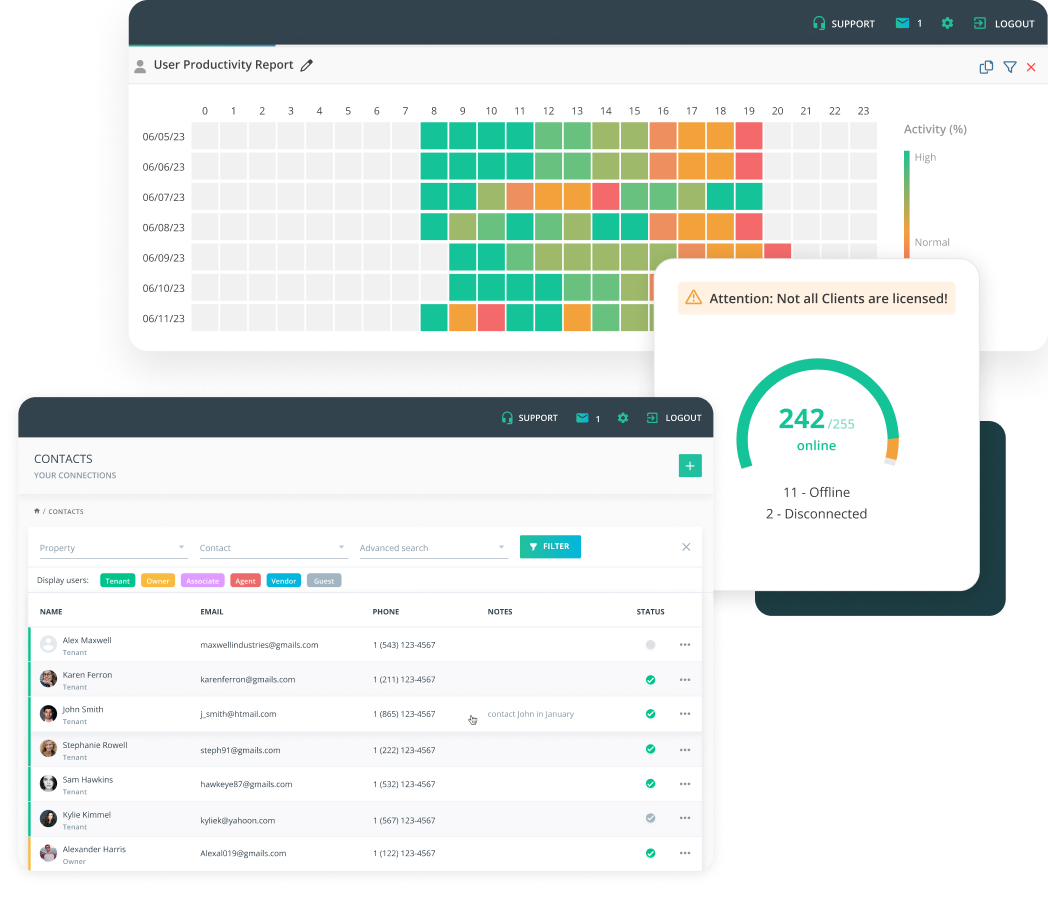
Leveraging NLP in Medicine with Custom Model for Scientific Reports Analysis
An advanced data analysis solution built by the Apriorit team helped our client automate and improve the accuracy of processing large datasets with medical data.

The model employed can analyze and summarize scientific reports and medical research with over 92.8% accuracy.


Industries we serve
and innovate In
From feature integration to custom software development from scratch, Apriorit delivers resilient and industry-tailored solutions that outperform the competition.
Cybersecurity
Stay ahead of continually evolving threats and make sure your software meets the highest standards of data protection and regulatory compliance.

Cybersecurity
- Prevent constantly evolving threats
- Respond to cybersecurity incidents
- Maintain high protection of data and privacy
- Mitigate vulnerabilities in real-time
- Integrate security into development (DevSecOps)
- Ensure regulatory compliance
Healthcare
Deliver top-level user experience to your customers while safeguarding sensitive patient data.

Healthcare
- Optimize processing of large data volumes
- Establish interoperability between different healthcare systems
- Develop accessible, user-friendly interfaces
- Implement telehealth solutions
- Run an independent security audit
- Ensure HIPAA compliance
Fintech
Safeguard your financial transactions with highly secure and reliable custom software.

Fintech
- Secure payment operations
- Integrate your solution with banking systems
- Prevent fraud-related risks
- Maintain high app availability and resilience to cyber threats
- Ensure compliance with PCI DSS, GDPR



Trusted by tech
leaders worldwide
Tech insights
and expert tips
-

Statistical Methods for Anomaly Detection in Cybersecurity Solutions: Balancing Cost and Efficiency
Discover how you can use statistical methods for anomaly detection with time-series data to spot unusual patterns and strengthen cybersecurity defense…
-
Developing a GDPR-Compliant AI-Powered LMS for Pharma Employee Training
AI-powered LMS for pharma companies: automate training, reduce onboarding time, and stay GDPR compliant while scaling workforce learning.
-
Building Microservices with Go: Practical Examples and Expert Tips
Building scalable and reliable microservices with Go: Discover examples of establishing effective inter-service communication.
-
How to Build a Custom Payroll System: Key Features and Tips
Discover how custom payroll system development can help your business scale, stay compliant, and speed up adoption vs off-the-shelf solutions.